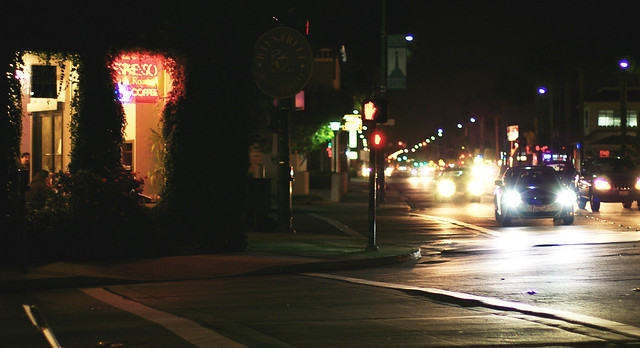
- Fremont 5 Corners Night Scene Picture in 2007. I always like shooting in the dark.
- edited in Color Efex Pro
- If I ever want another low light camera, Sony A7s or the like will be high on my list.
 I find Picasa very useful in organizing photos and it provides a very complete suite of basic editing tools. Picasa consists of three sections for photo editing:
 The next suite of tool set comes into the 'Tuning' section that is more of a life saver especially for 'Fill light' when my pictures are purposely taken in the dark without the flash. I went wild in a series of pictures taken in the mall knowing that the small flash in a point & shoot will definietly ruins a picture with not enough light
  for the dark background. I have a very bad picture that is out of focus and very shaky due to long shutter speed and a lot of distractions that the picture is close to be placed in my trash folder but Picasa comes in for the rescue. Though it is still a bad picture, I can salvage it for blogging with a black and white tuning with high saturation for a contrasty look.
 variations -- be it on a good or bad picture. The original picture on the Gymboree poster is not too bad but it is boring to take picture on someone else's great photographic work -- I don't want to clone on other's work and hence I change it the way I want it. It may not come out nicely as the original but that is not the purpose as I want it to be different and Picasa 'Effects' allow that with 'Focal B&W' and I am pretty happy with the alternation.


